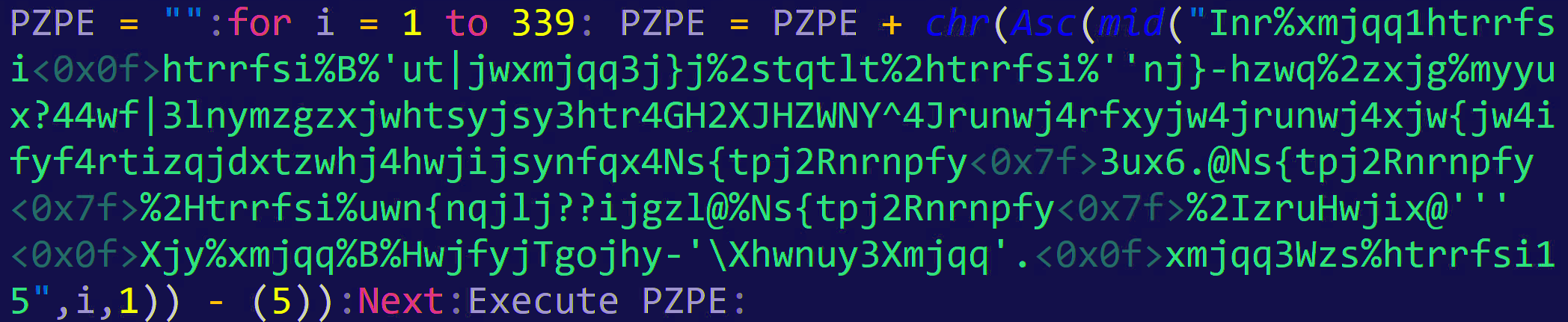


VBScrambler is a Python based code obfuscator supporting both VBScript and JavaScript. It takes code as input (either file or inline) and provides obfuscated one-liner output. The obfuscation works by performing a byte shift on the supplied code, then inserting it into a randomly generated deobfuscation script which reverses the byte shift and executes the original code.
The shift works similar to ROT13 with a randomly supplied shift value ranging from -5 to 7. Larger numbers tend to prevent the generated script from executing, producing errors. Other errors can occur when copying generated code from console, as special characters, especially in Linux, may not copy correctly.
-l, --languageSpecify language:vbscript/vbsorjavascript/js(default: vbscript)-c, --contentSupply inline code to obfuscate (This must be the last argument supplied)-f, --fileSupply a file to obfuscate (supports multi-line)-o, --outputSave generated output to file-s, --shiftManually specify a shift value
If no argument is provided, the script will prompt the user for code to obfuscate.
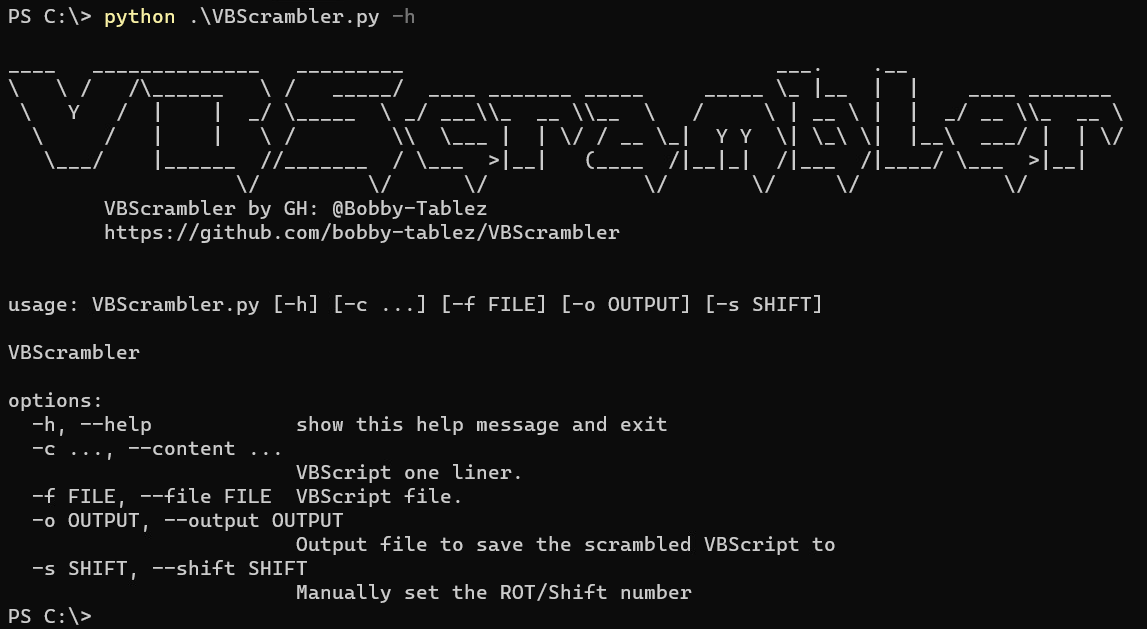
Requires Python v3.8+ Either download and execute VBScrambler.py file manually on Windows or Linux, or install and run via pypi package:
pip install VBScrambler
Obfuscating the following VBScript using the command: python3 VBScrambler.py -s 5 -f ps.vbs
Dim shell,command
command = "powershell.exe -nologo -command ""New-Item C:\text\vbstest.txt -Force"""
Set shell = CreateObject("WScript.Shell")
shell.Run command,0
Generates the following VBScript code:
lgwi = "":for i = 1 to 163: lgwi = lgwi + chr(Asc(mid("Inr%xmjqq1htrrfsi�htrrfsi%B%'ut|jwxmjqq3j}j%2stqtlt%2htrrfsi%''Sj|2Nyjr%H?ayj}ya{gxyjxy3y}y%2Ktwhj'''�Xjy%xmjqq%B%HwjfyjTgojhy-'\Xhwnuy3Xmjqq'.�xmjqq3Wzs%htrrfsi15",i,1)) - (5)):Next:Execute lgwi:Obfuscating the following JavaScript using the command: python3 VBScrambler.py -l javascript -s 3 -c console.log("Hello World");
console.log("Hello World");Generates the following JavaScript code:
var kpqw="";for(var i=0;i<"frqvroh1orj+#Khoor#Zruog#,>".length;i++){kpqw+=String.fromCharCode("frqvroh1orj+#Khoor#Zruog#,>".charCodeAt(i)-3);}eval(kpqw);After extensively testing various VBScripts, I've discovered that certain scritps will produce errors with specific shift number combinations (typically 1 out of 10) when using the default provided range. If you encounter an error, try either adjusting the shfit number manually, or simply run it again to get a potentially new value.
Another issue occurs in Linux more often than in Windows where the console doesn't properly print the shifted ASCII characters properly, thus copying the printed code could skip some characters. If you run into this, use the -o option to print to a file and use a text editor such as Sublime which handles special characters well.
DISCLAIMER: Use at your own risk, for educational and demonstration purposes only!